Watch: today’s chores on your wrist, and Tell EvenUS by voice
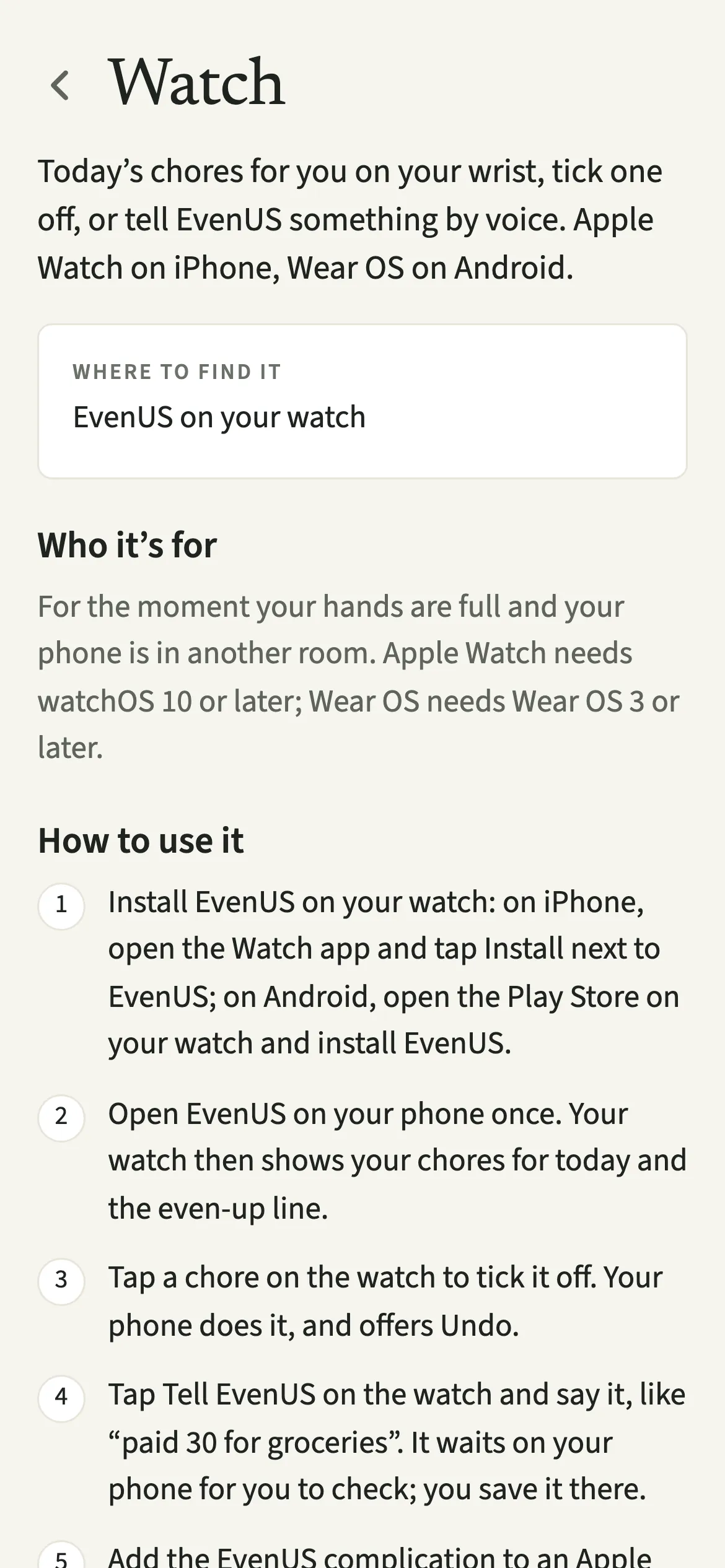
EvenUS on the watch shows today’s chores for you on your wrist, lets you tick one off, and lets you tell EvenUS something by voice, like “paid 30 for groceries”. It works on Apple Watch with watchOS 10 or later and on Wear OS 3 or later. Ticking a chore off comes with an Undo, and anything you say waits on your phone until you check and save it.
What does EvenUS do on a watch?
It brings the two things you most often need in a hurry to your wrist: what is yours to do today, and a quick way to note something down. You often remember a cost or finish a chore when your phone is not in your hand.
The watch shows your chores for today from Effort and the even-up line. Tap a chore and “Mark done”, and your phone ticks it off for you. Tap “Tell EvenUS” and say a line, and it waits on your phone for you to check, exactly as if you had typed it into Tell EvenUS.
A complication on an Apple Watch face, or a tile on Wear OS, shows your next chore or gives you a Tell EvenUS shortcut, so you do not even need to open the app on the watch.
Who is the EvenUS watch app for?
For anyone who already wears a watch and would rather not reach for a phone to tick off the bins or note what the shop cost. Apple Watch needs watchOS 10 or later, paired with an iPhone; on Android, a Wear OS 3 or later watch with your phone nearby.
How do you set up EvenUS on your watch?
Install EvenUS on the watch, open EvenUS on your phone once, and your watch then shows today’s chores for you and the even-up line.
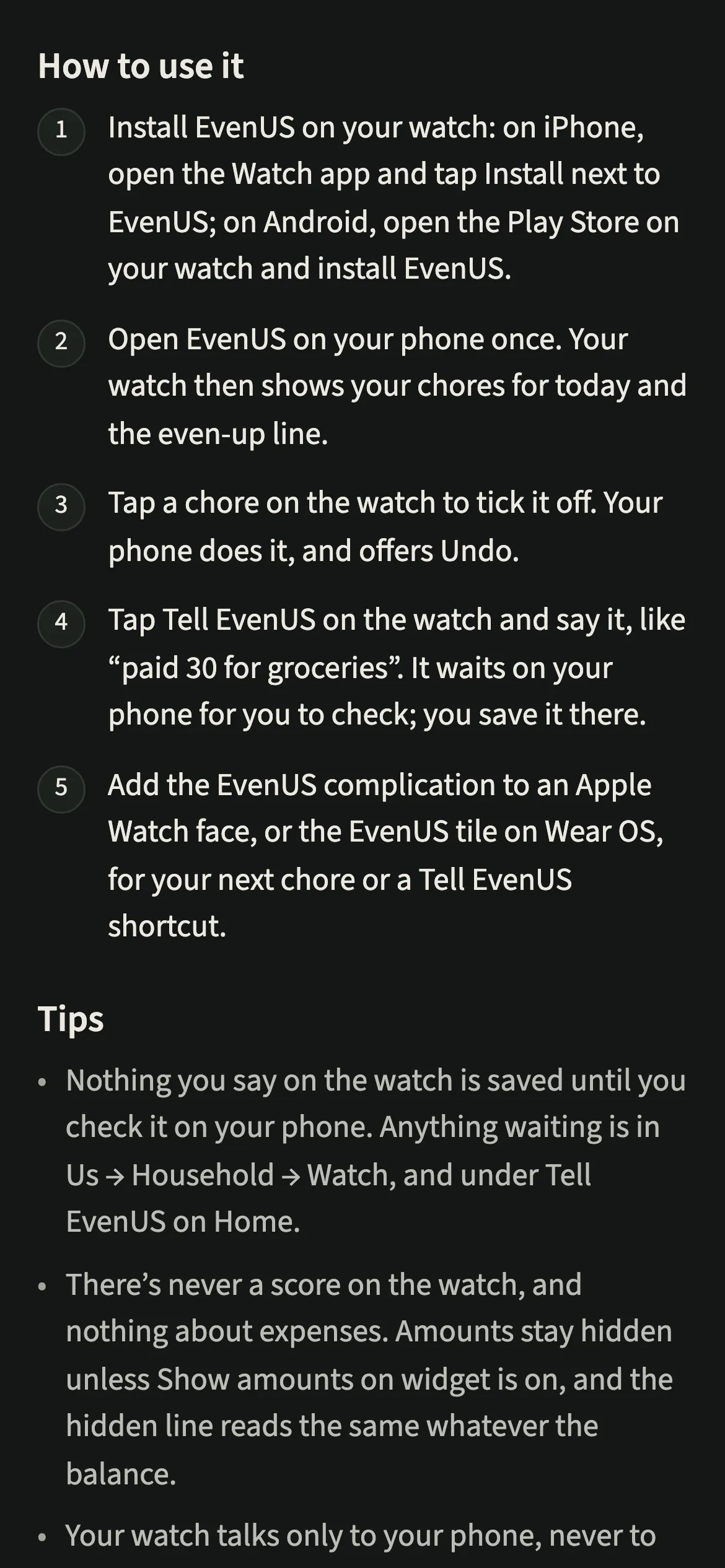
- Install EvenUS on the watchOn iPhone, open the Watch app, scroll to Available Apps and tap Install next to EvenUS. On Android, open the Play Store on your watch, search for EvenUS and install it.
- Open EvenUS on your phone onceYour watch fills in the next time the phone app is open. It then shows your chores for today and the even-up line. Us → Household → Watch shows whether it is connected.
- Tick a chore offTap a chore on the watch and tap “Mark done”. Your phone does it, and offers Undo.
- Tell EvenUS somethingTap “Tell EvenUS” on the watch and say it, like “paid 30 for groceries”, then “Send to your iPhone” on Apple Watch. It waits on your phone for you to check; you save it there.
- Add it to your watch faceAdd the EvenUS complication to an Apple Watch face (touch and hold the face, tap Edit, pick EvenUS), or on Wear OS swipe to the end of your tiles, tap + and pick EvenUS.
What does your partner see?
Only what you save, or tick off, the same as doing it on your phone. A chore marked done from your wrist appears in the household’s records like any other, and a sentence you said only reaches your partner once you have checked it and tapped Save on your phone.
Your watch shows your chores, never theirs, and it never shows a score or anything about expenses. If your partner wears a watch too, theirs shows their own day. The even-up line follows “Show amounts on widget” on your phone, so with that off it reads “Amounts are hidden on this watch” whatever the balance.
Tips for using EvenUS on your watch
- Nothing you say on the watch is saved until you check it on your phone. Anything waiting is in Us → Household → Watch, and under Tell EvenUS on Home.
- Ticked something off by mistake? Undo it from your phone for a day, from the notice or from Us → Household → Watch.
- Amounts stay hidden on the watch unless Show amounts on widget is on, the same switch that controls the home-screen widget.
- Signing out of EvenUS on your phone clears the watch, so nothing is left on your wrist.
Why does the watch send everything to your phone first?
A watch microphone in a busy kitchen mishears things: “thirteen” becomes “thirty”. If the watch saved straight into your shared records, a misheard line would land in front of your partner before you noticed. So the words go to your phone’s “From your watch, waiting to review” list, and you check the draft before it counts. Sentences that wait more than a week are dropped.
Ticking off one of your own chores is your own action and easy to reverse, so the phone applies it and offers Undo. Your watch talks only to your phone, never to EvenUS’s servers.
Is Watch free?
Watch keeps working after the 7-day free week, whether or not you subscribe. The computed views, such as the household balance and this week’s idea, are part of EvenUS Pro: $9.99 a month or $79.99 a year, with one subscription covering both partners. The free week needs no card, and nothing is charged when it ends.
Questions about Watch
Does EvenUS work on Apple Watch?
Yes. EvenUS has an Apple Watch app for watchOS 10 or later, paired with an iPhone. It shows today’s chores for you, lets you tick one off, and lets you tell EvenUS something by voice for checking on your iPhone.
Does EvenUS work on Galaxy Watch or Pixel Watch?
Yes, on watches running Wear OS 3 or later, with your Android phone nearby. Install EvenUS from the Play Store on the watch, then open EvenUS on your phone once so the watch fills in.
Can my partner see my chores on their watch?
No. Each watch shows only its wearer’s chores for today. A chore you tick off from your wrist appears in the shared records, the same as ticking it off on your phone.
Does the watch app need EvenUS Pro?
No. The watch keeps working after the 7-day free week, with or without a subscription. Ticking chores off and adding things are always available, and the watch never shows the household balance.
Related features
Other parts of EvenUS that work alongside Watch.
Related reading
Articles on the questions behind this feature.